How Clarifian Works
From a conversation to a live engineering map — no manual diagramming required.
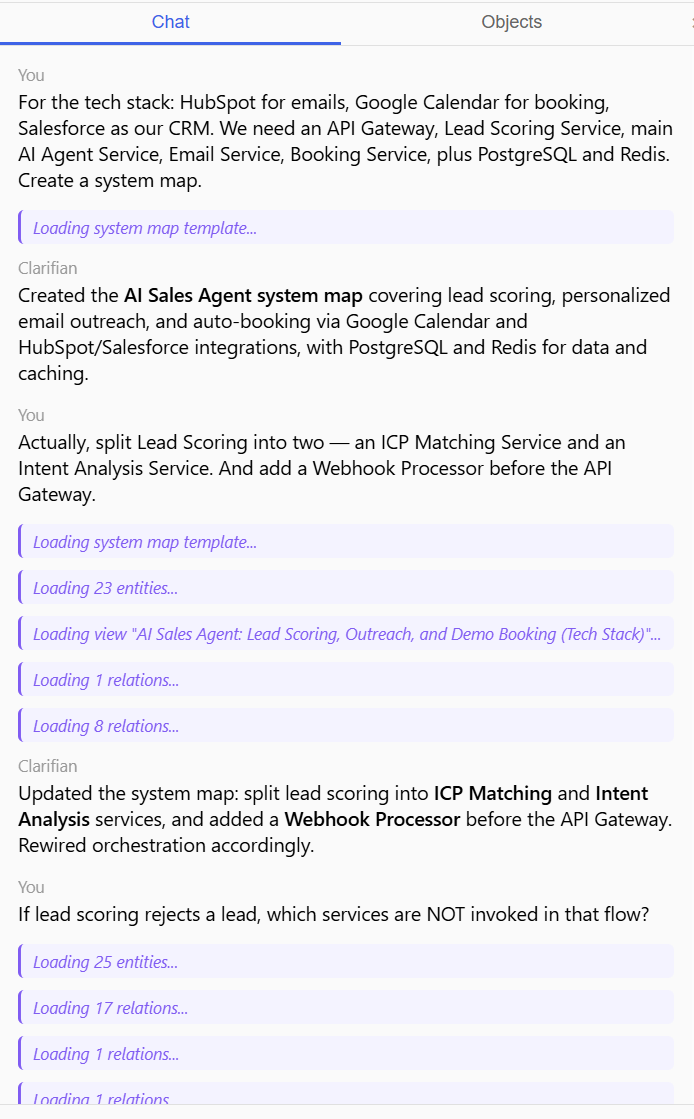
Start a conversation
Describe your system's architecture, services, integrations, and data flows in plain language. Clarifian's AI parses your description and extracts structured entities — services, data objects, external systems, and process steps.
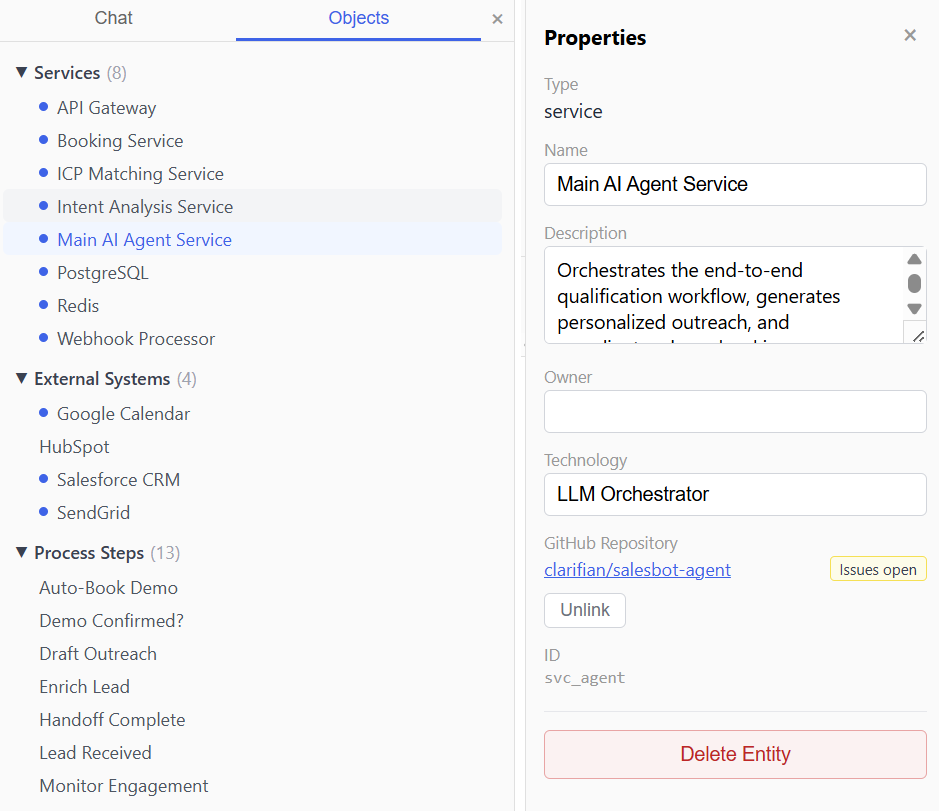
Review the model
Extracted entities appear in the Objects panel, grouped by type. Review what the AI found, rename anything unclear, or remove entities that don't belong. The model is always yours to edit.
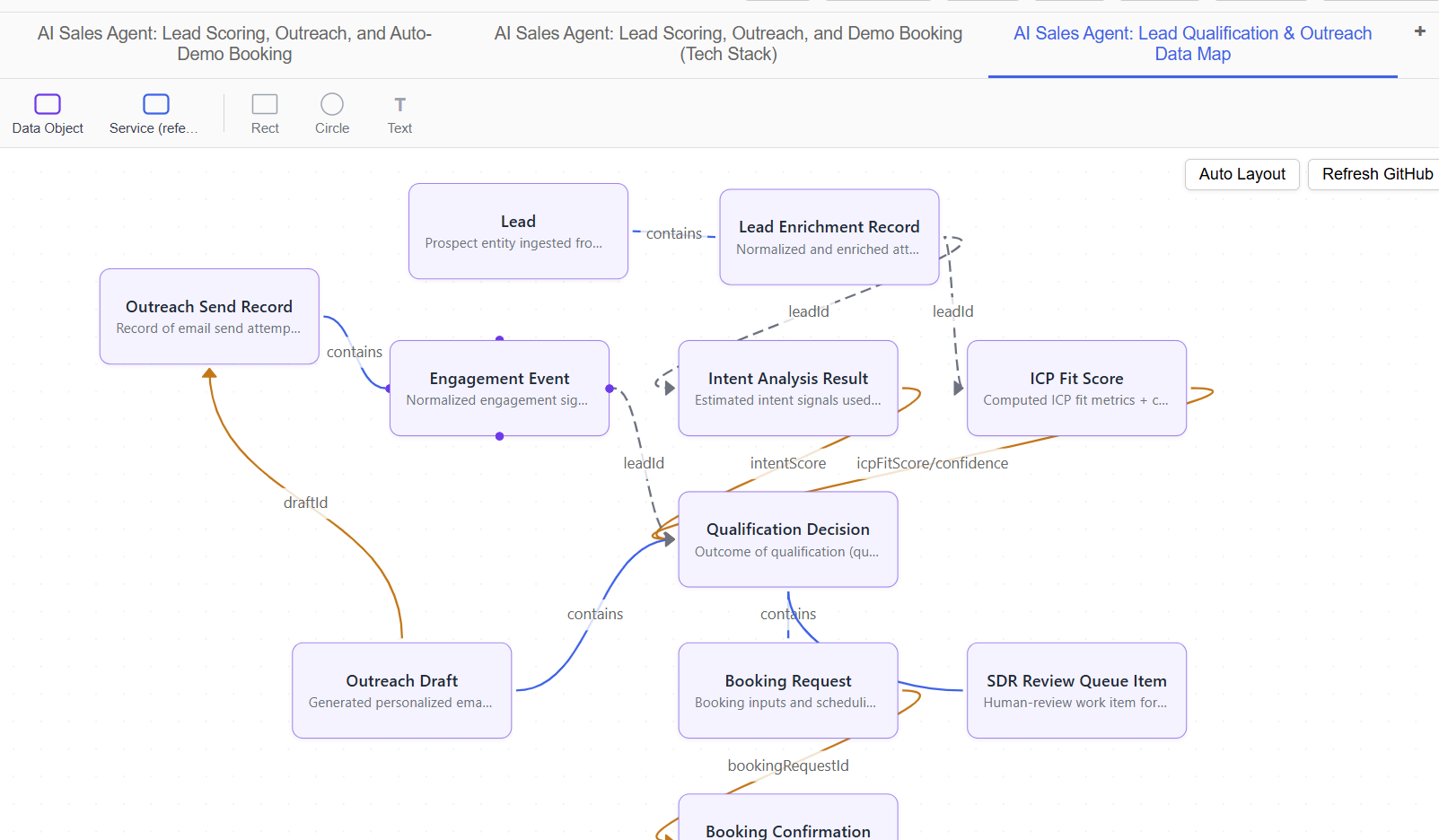
Explore three views
One model generates three map views: system architecture (services and connections), process flow (BPMN-lite steps with decisions and parallel gateways), and data model (objects and relationships). Switch between them with tabs.
Edit on the canvas
Drag nodes, create new connections, add text annotations and shapes. The canvas is fully interactive — every manual change updates the underlying model, and every model change updates the canvas.
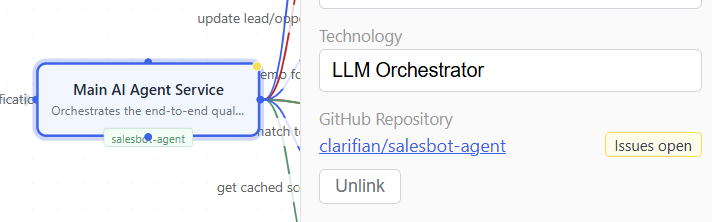
Connect to GitHub
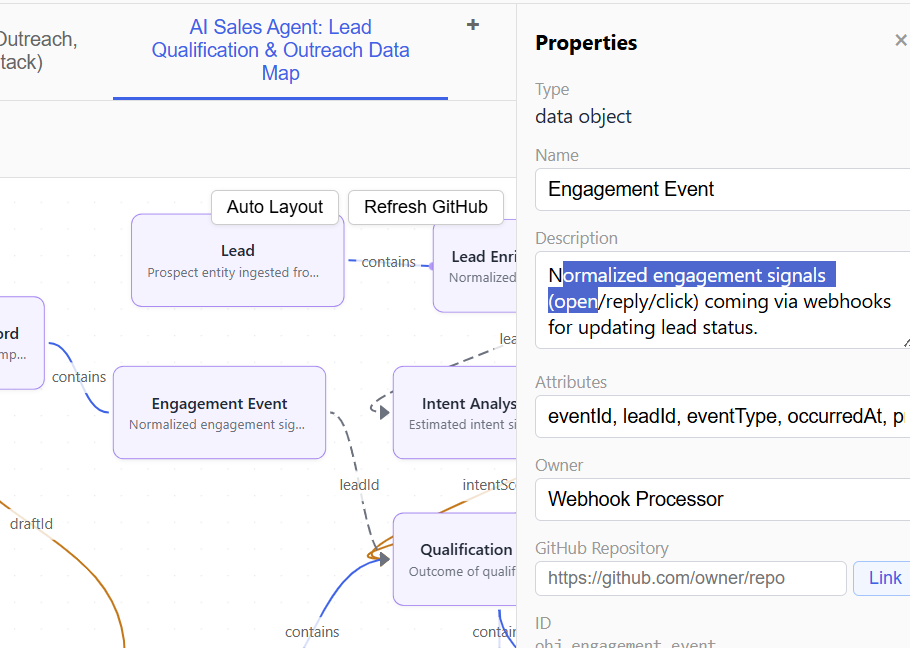
Bind services to repositories. Clarifian reads open issues, active PRs, and recent merges — showing delivery status directly on the map as colored indicators. Know which parts of your system are actively changing.