Conversational modeling
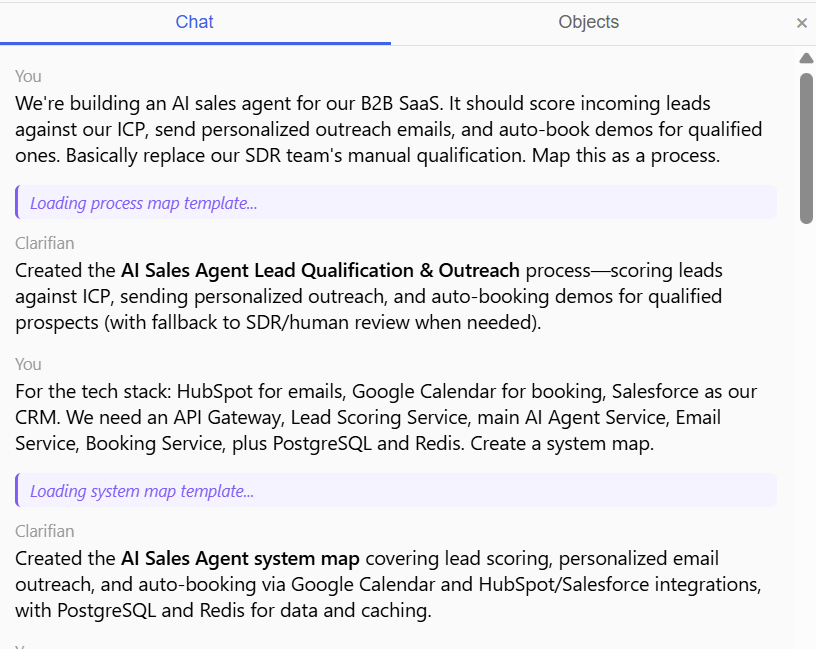
Describe your architecture in plain language. Clarifian extracts services, data objects, and processes into structured maps automatically.
Describe your system in chat — get architecture maps connected to GitHub.
From conversation to live engineering map in minutes
Open Clarifian and describe your architecture in the chat panel. Use plain language — the AI extracts entities, services, and relationships automatically.
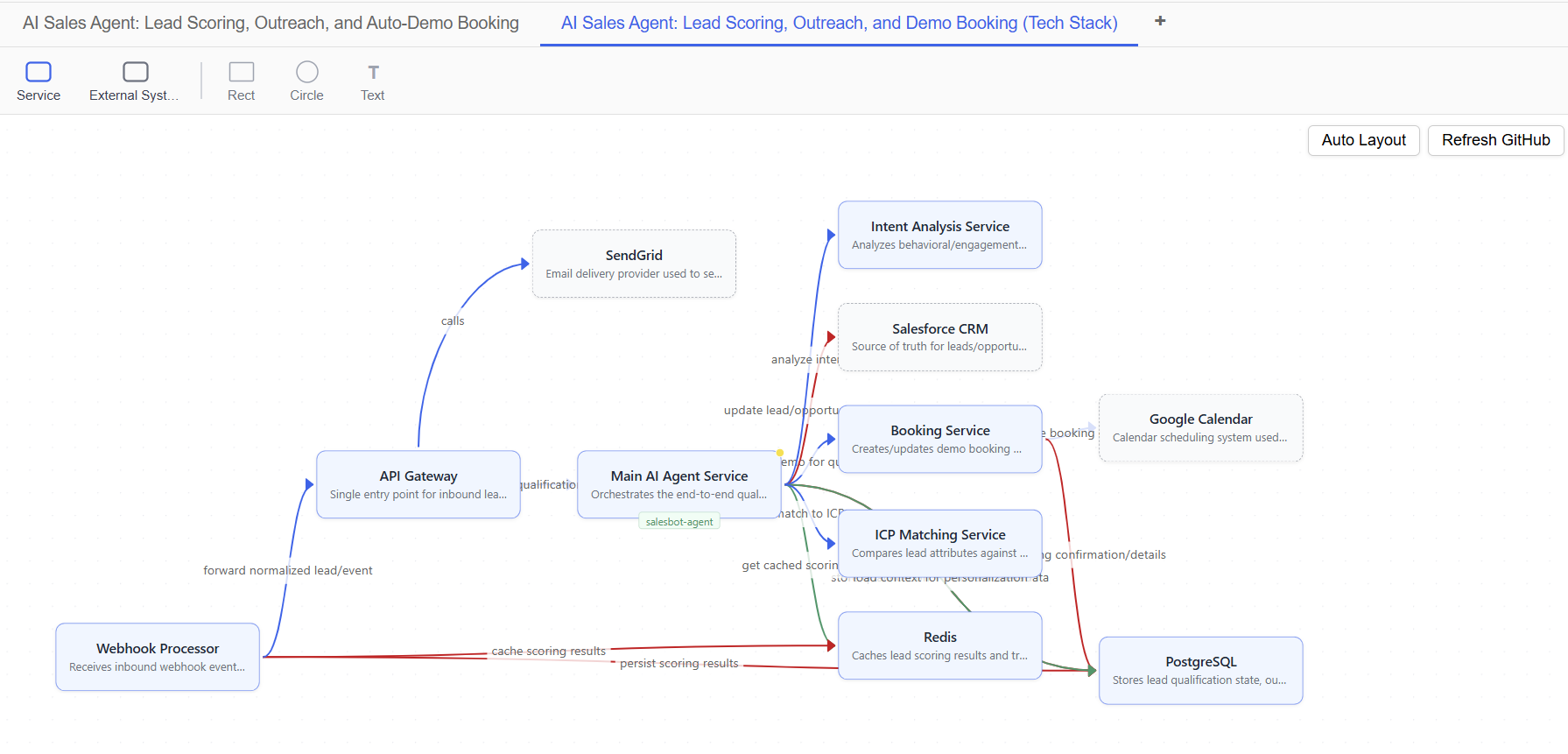
Your system appears as connected views — system architecture, process flow, and data model. Click any entity to see details and edit.
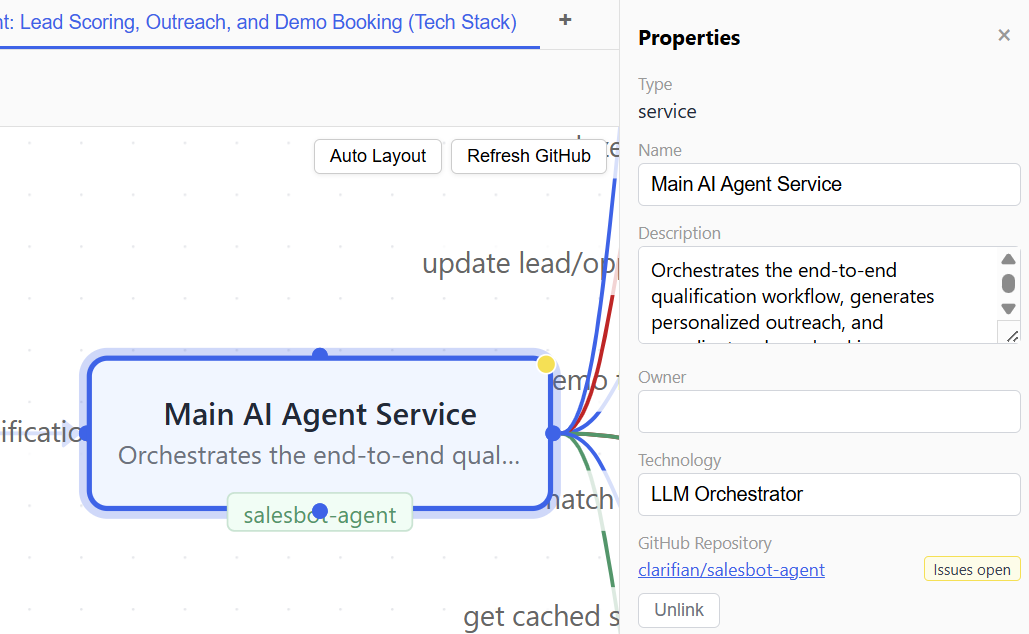
Link repositories to components on the map. Open issues, active PRs, and merge status appear as live status indicators.
Describe your architecture in plain language. Clarifian extracts services, data objects, and processes into structured maps automatically.
One model, three views. System architecture, process flow, and data model — each generated from the same conversation.
Connect repos to your map. See open issues, active PRs, and delivery status — live on each component.